On-demand webinar coming soon...

On-demand webinar coming soon...

On-demand webinar coming soon...

Grids & layouts

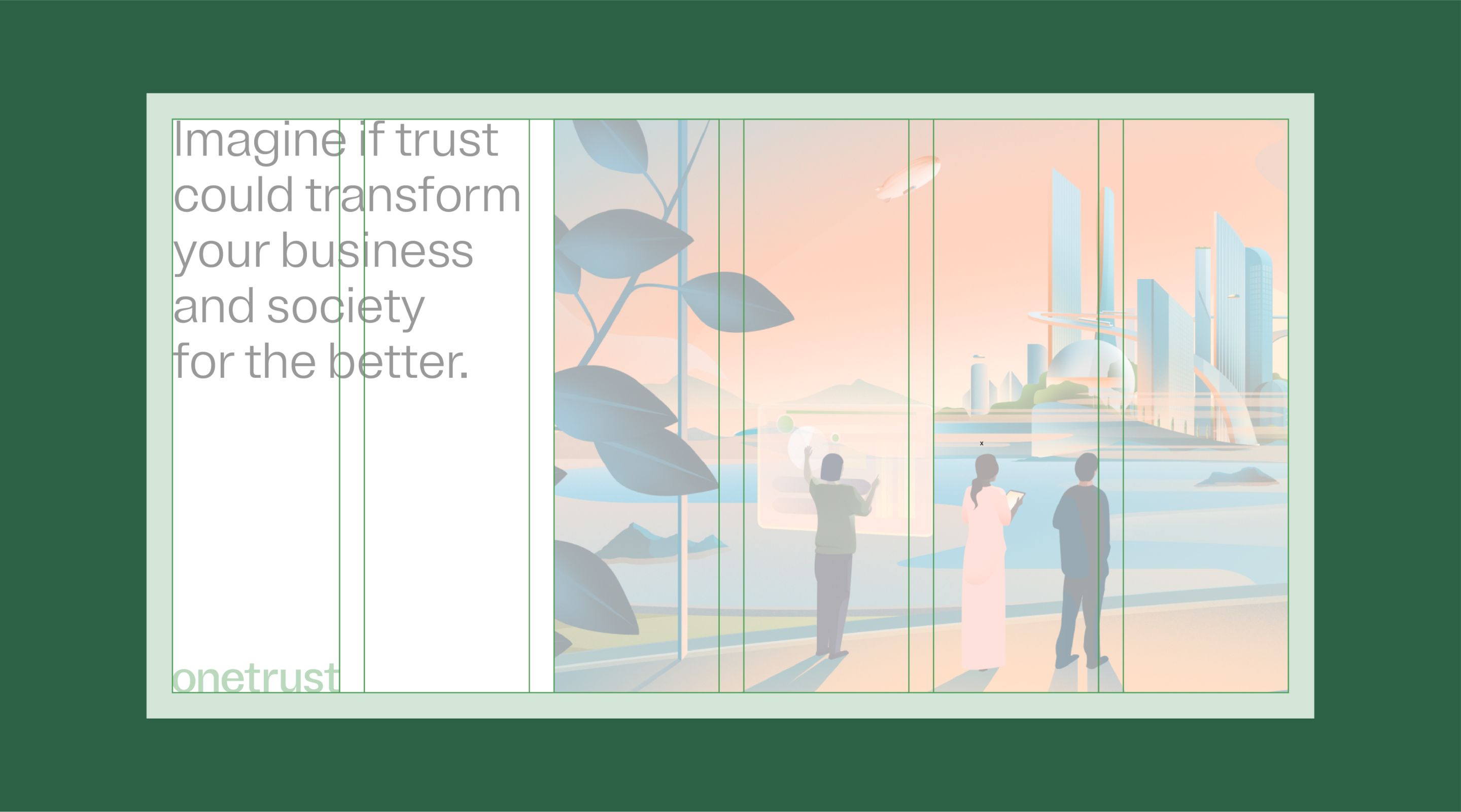
Every touchpoint builds recognition for our brand. Creating layouts with a structured, yet flexible grid system drives consistency, cohesion and focus in our communications.

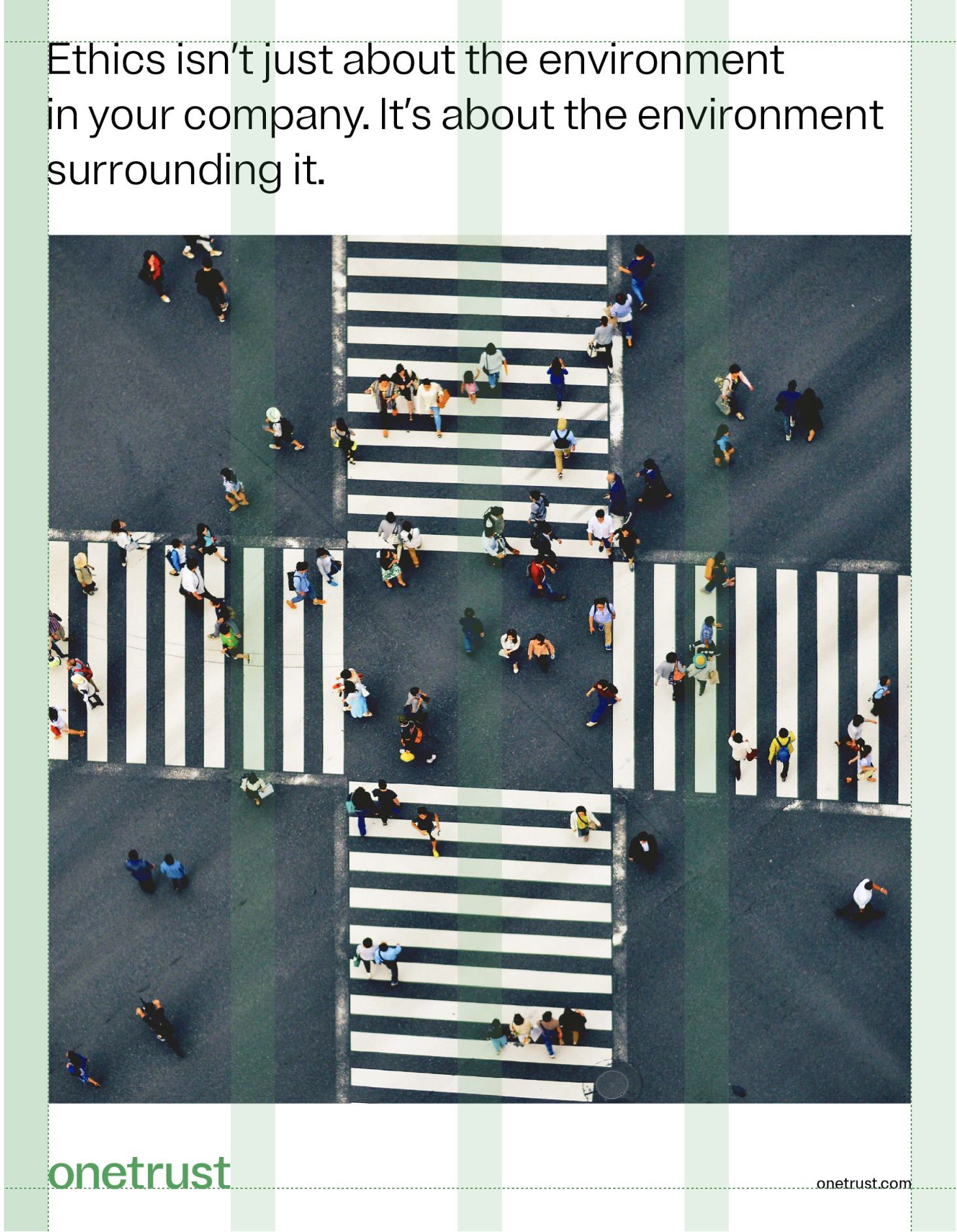
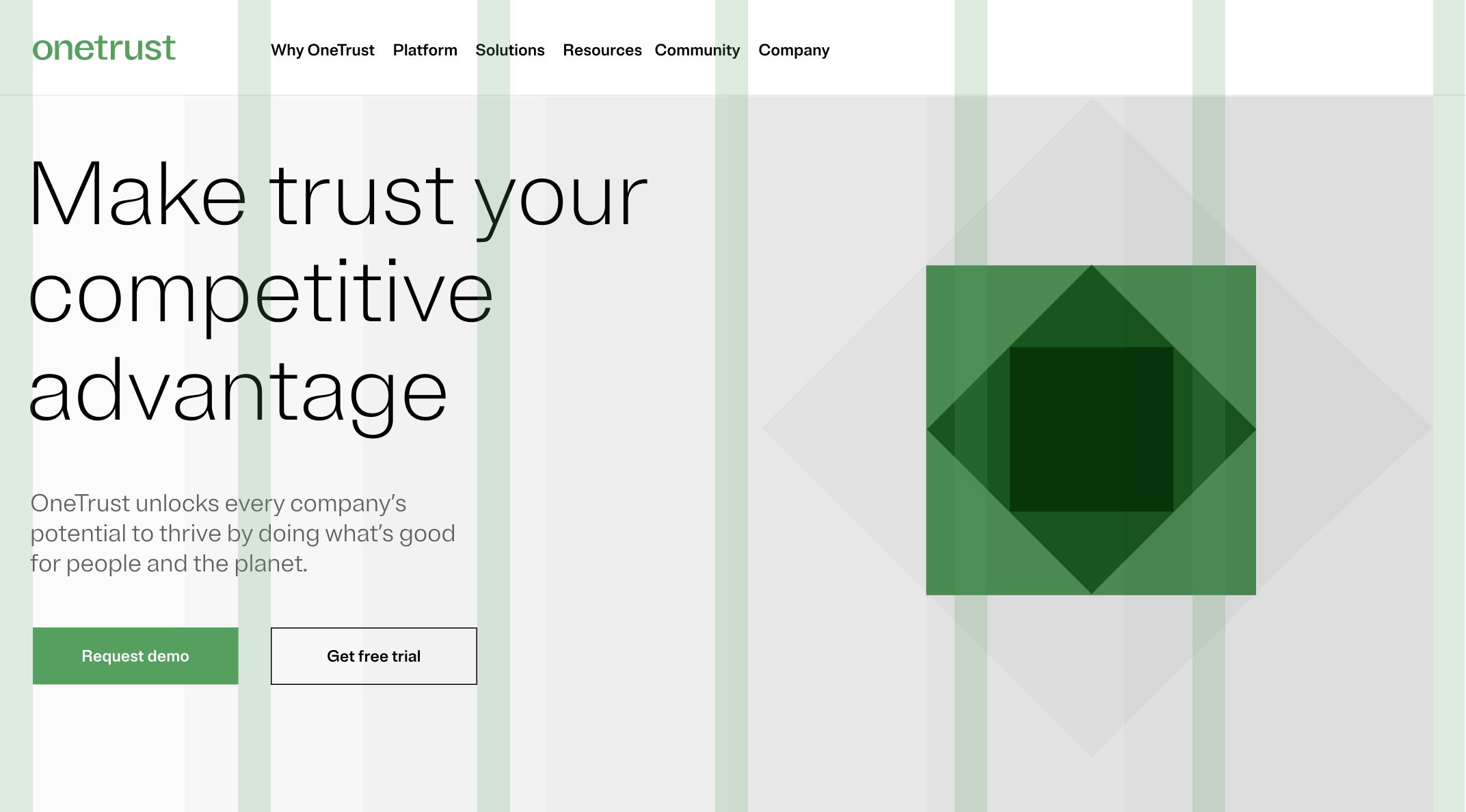
Example of a well-made grid layout, with good use of typography on the left and a proper illustration on the right.

How to build

Start with narrow margins, based on the guidance chart and examples below. Then add equally-distributed columns and gutters.
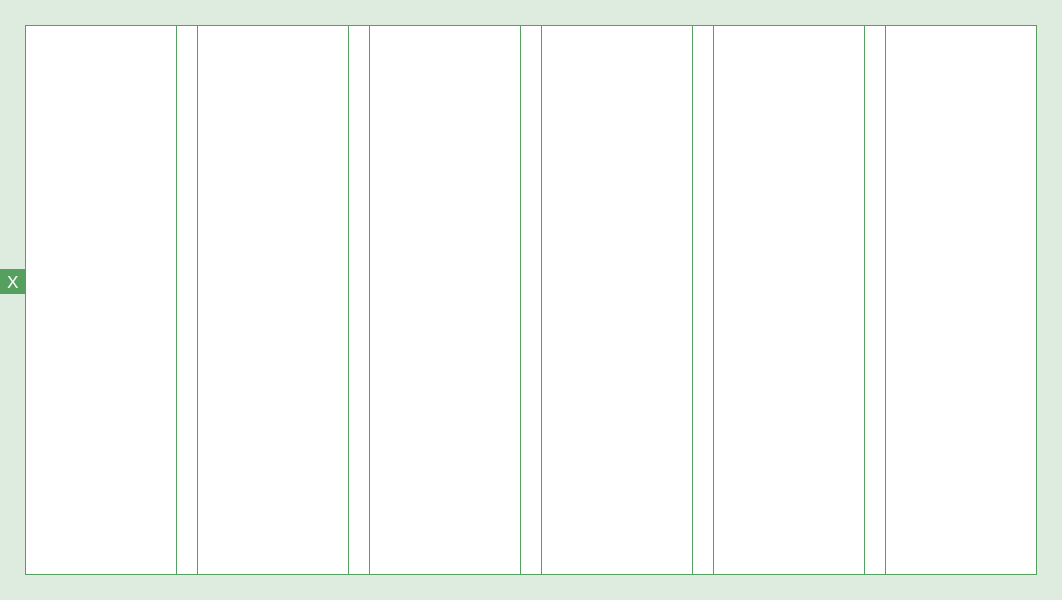
Example of a 6-grid layout

Below are some recommended grids based on common page sizes. Sometimes divisions simply aren’t necessary, e.g., an extreme vertical space or full-bleed photos. Avoid over complicating layouts with grids when they aren’t helpful. Gutter widths should be close to the margin size, but can vary depending on the content and format size.

Example grids

Vertical & horizontal

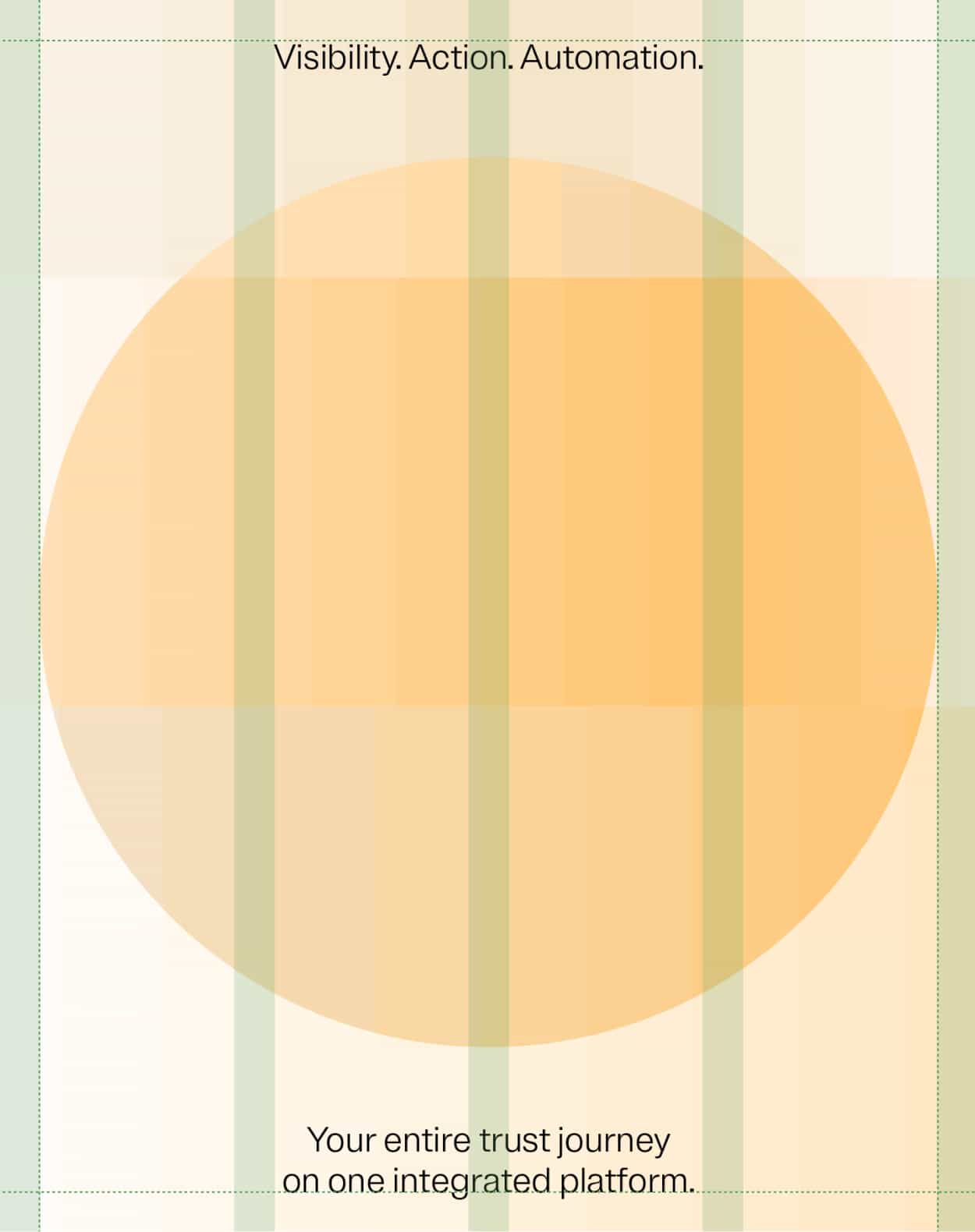
4 to 6 columns for 1-page layouts such as a data sheet or print ad
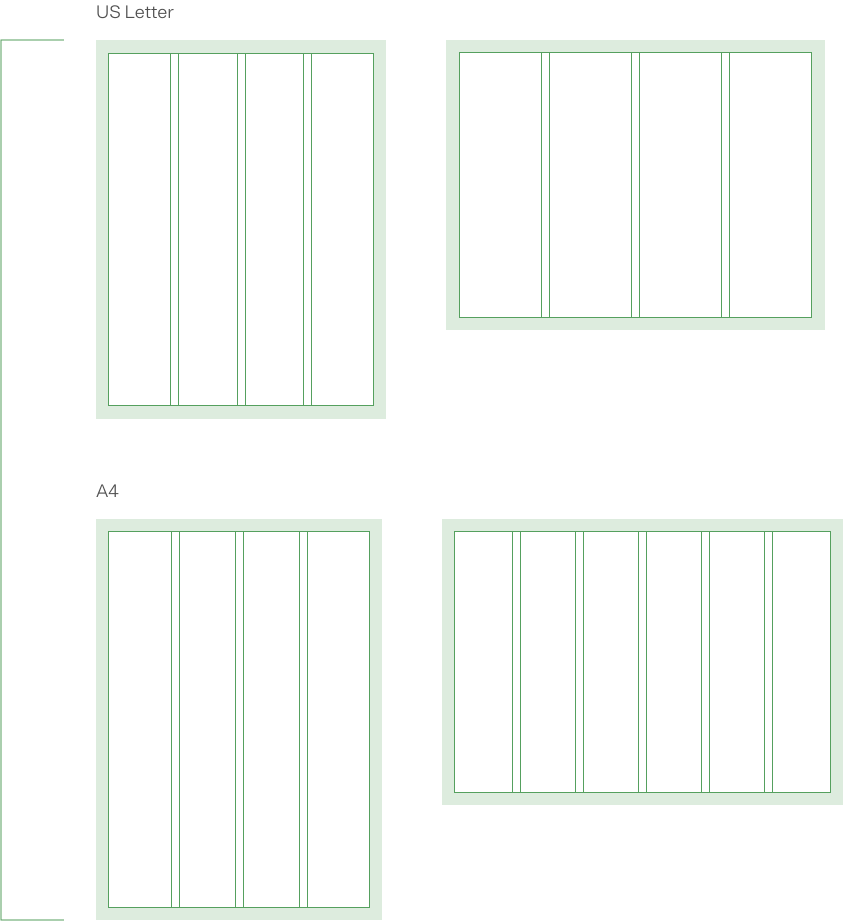
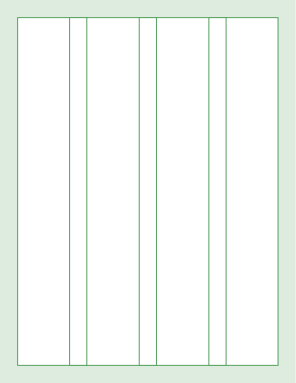
Example of horizontal and vertical grid layouts. The two examples on the top row are US letter formats, and the two examples on the bottom are A4

Extreme vertical

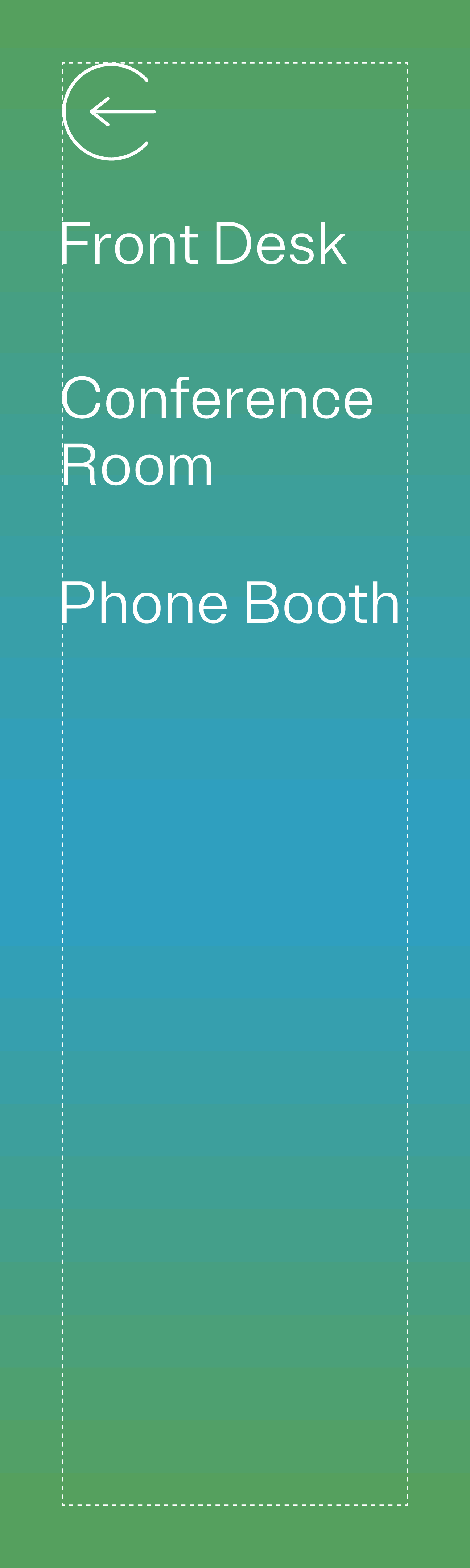
2 to 3 columns for vertical signage or ad banners
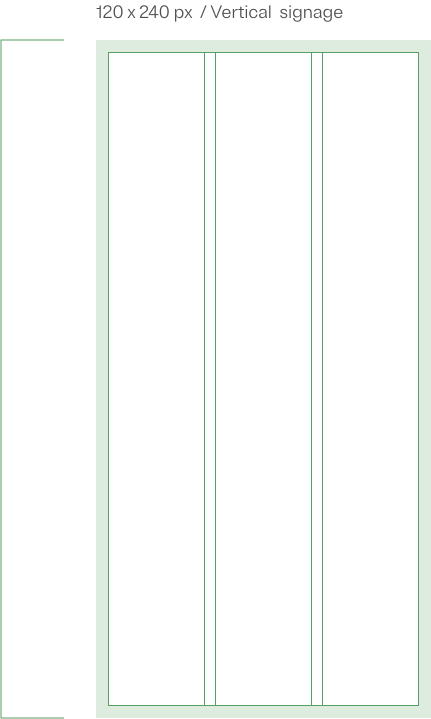
Example of a 120x240 px 3-grid vertical layout

Digital & print

Horizontal

3 to 6 columns
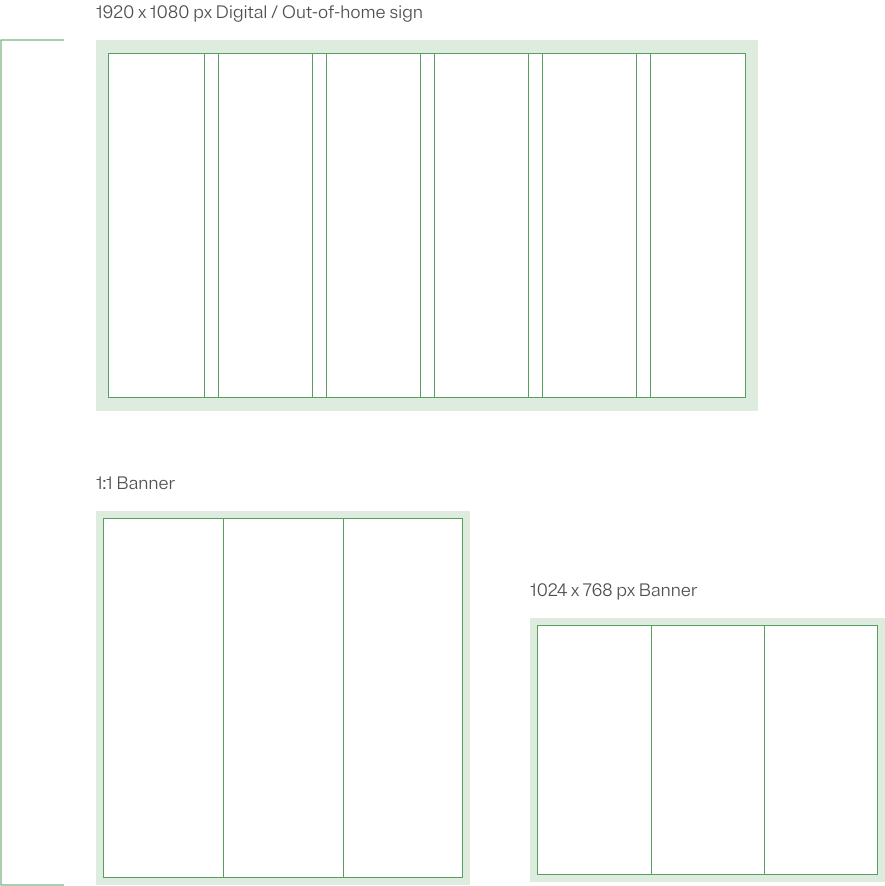
Three examples of grid layouts. The top example is a horizontal 6-grid layout that's 1920x180 pixels wide. The two examples on the bottom are vertical and horizontal 3-grid layouts - one 1:1 banner and the other a 1024x768px banner.

Extreme horizontal

6 columns and up

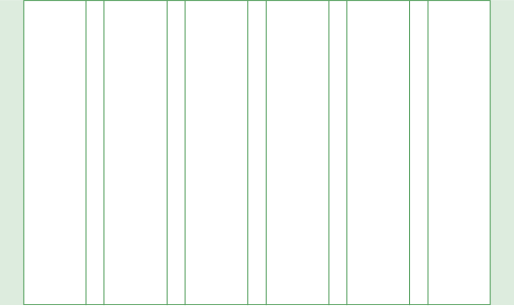
Horizontal 7-grid layout that's 1920x240px wide.

Layout examples

Page layout using a 4-grid vertical layout with text and images.

4-grid vertical layout
Web page using a vertical 6-grid layout

Example of extreme vertical 6 grid layout
Spotlight gradient and text in a vertical 4-grid layout.

4-grid vertical layout
Vertical grid with text and an icon.
Vertical grid example

Some of our more complex documents are available as templates. For access to these templates reach out to brand@onetrust.com
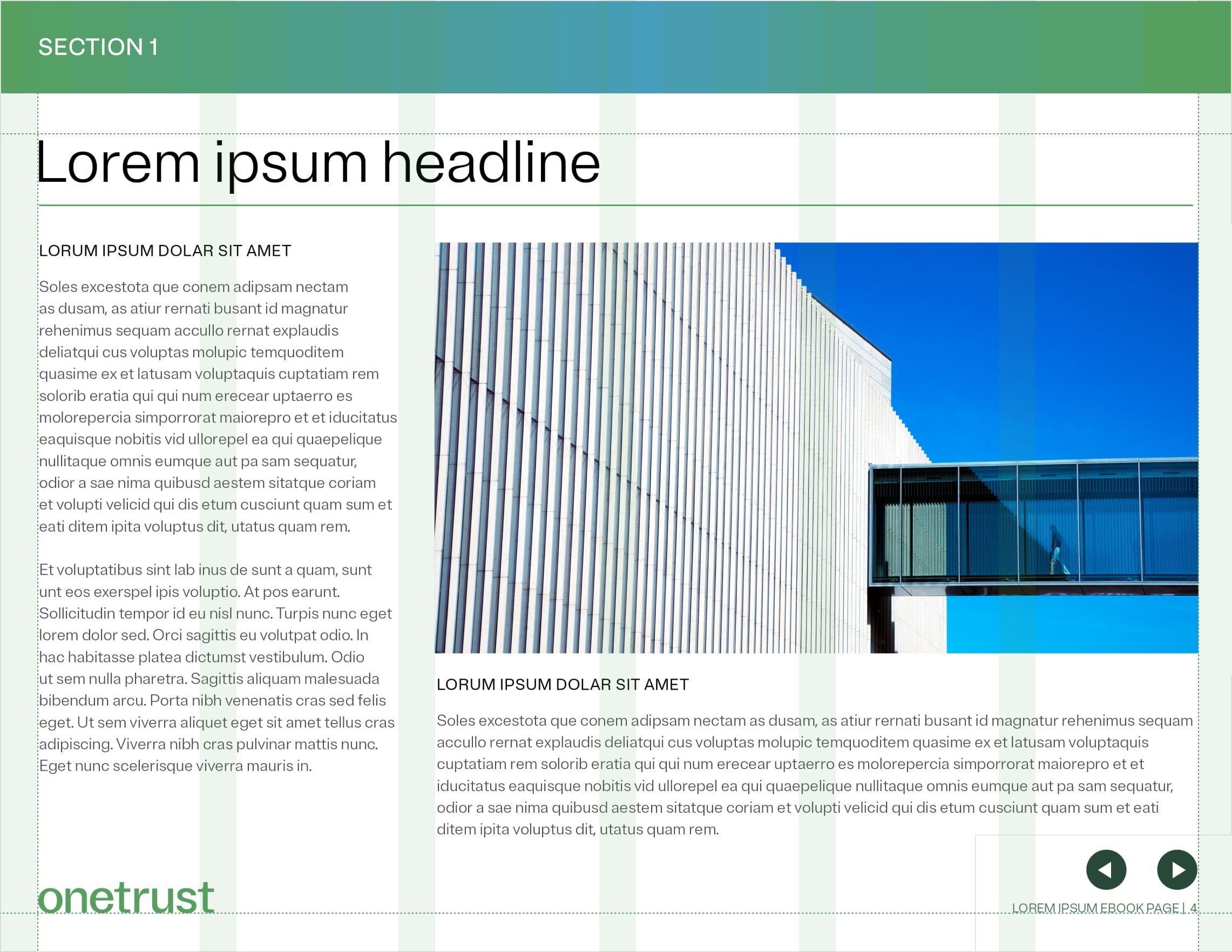
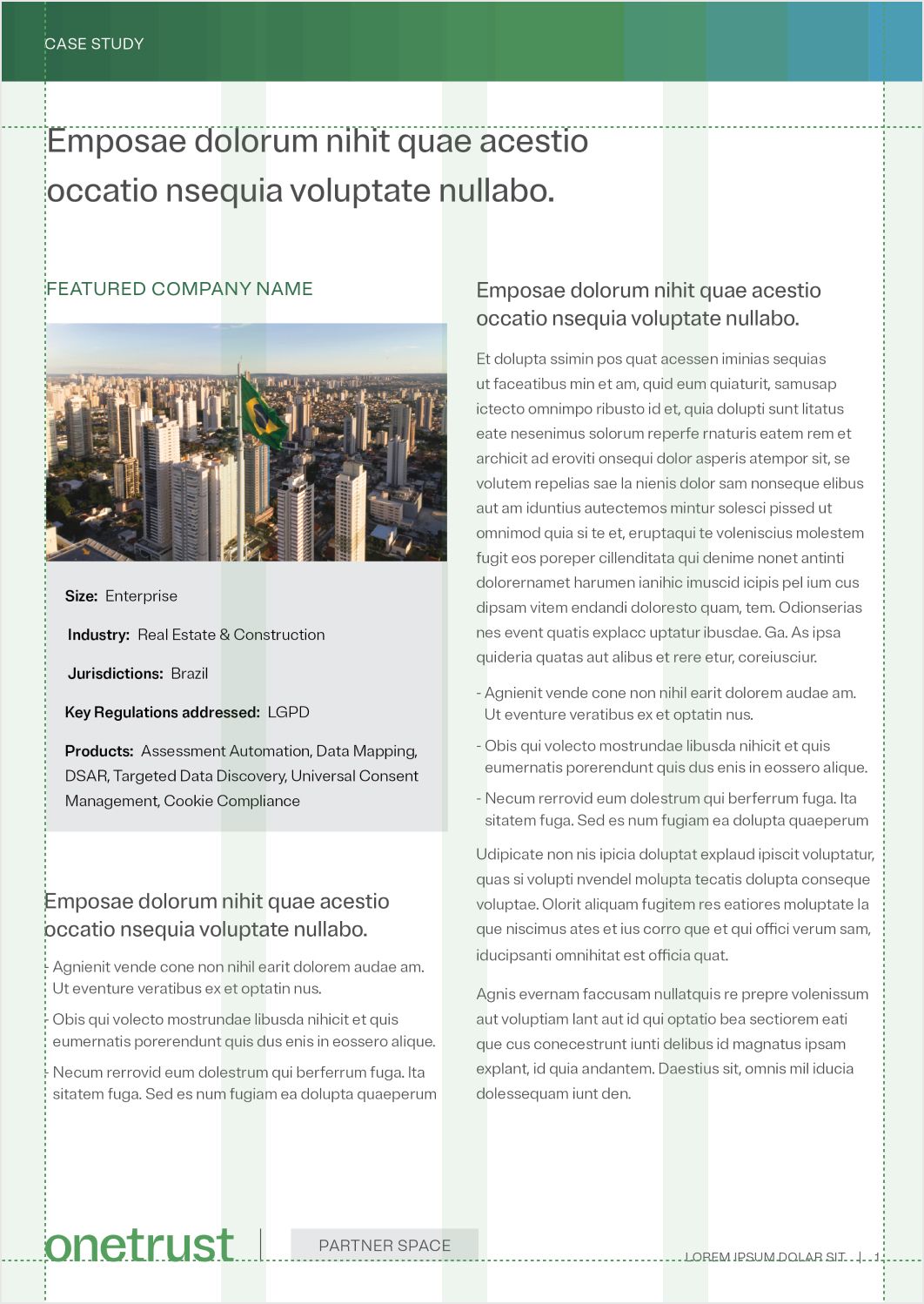
Example of a eBook page with a complex layout. It contains the use of vertical 6-grid.
Infographic using a 4-grid vertical layout
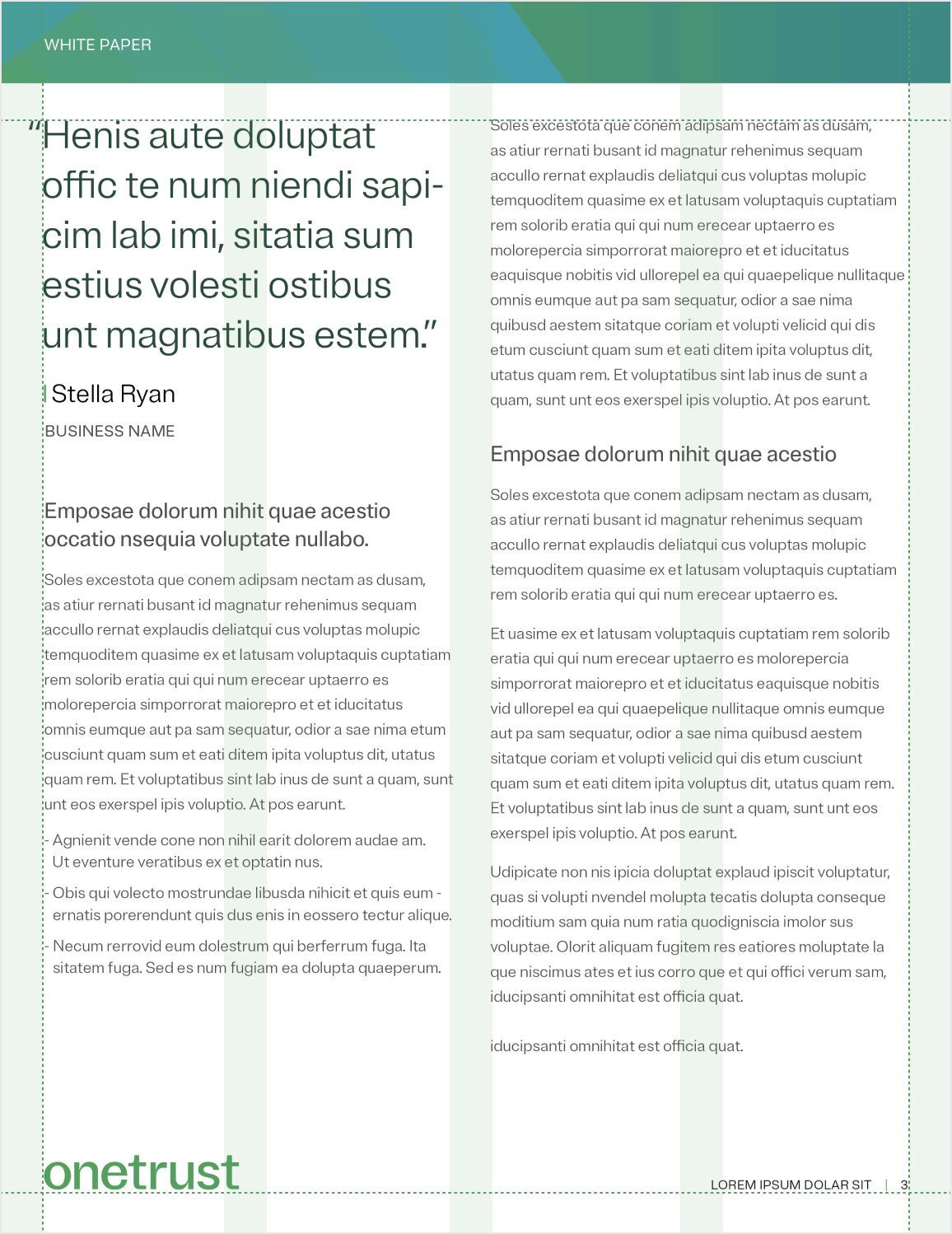
White paper page using a 4-grid layout