
Charts & graphs

Chart styles
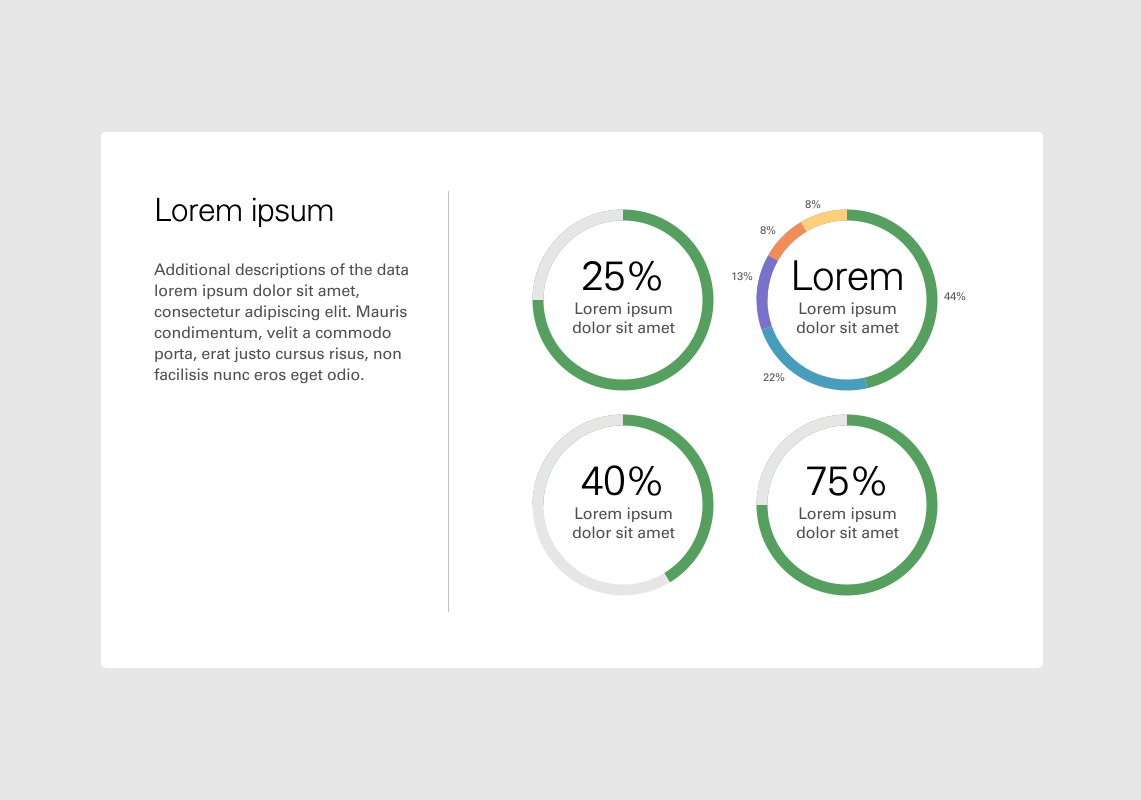
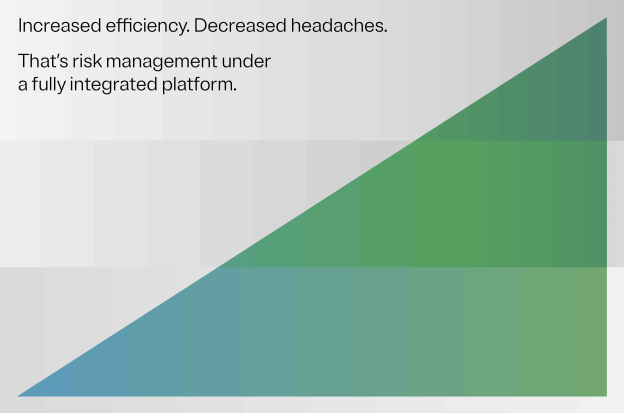
When choosing which style of graph to use, ask yourself if the key idea is fact-driven e.g., “a 64% decrease”, or idea-driven e.g., “increased efficiency”.
Functional graphs
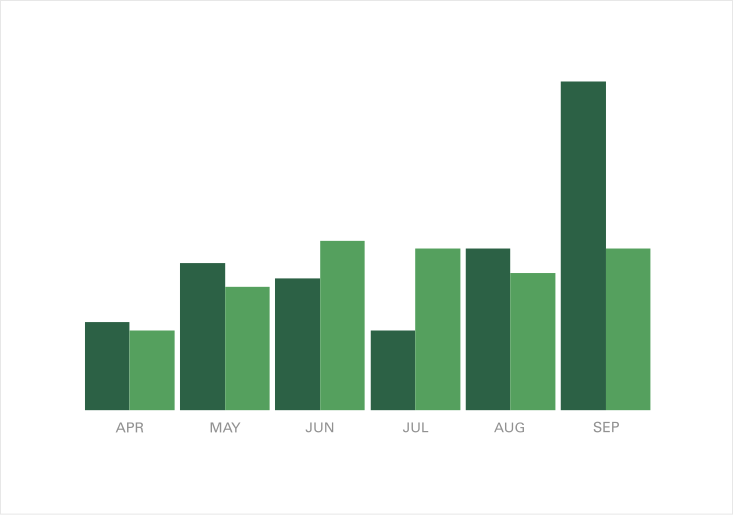
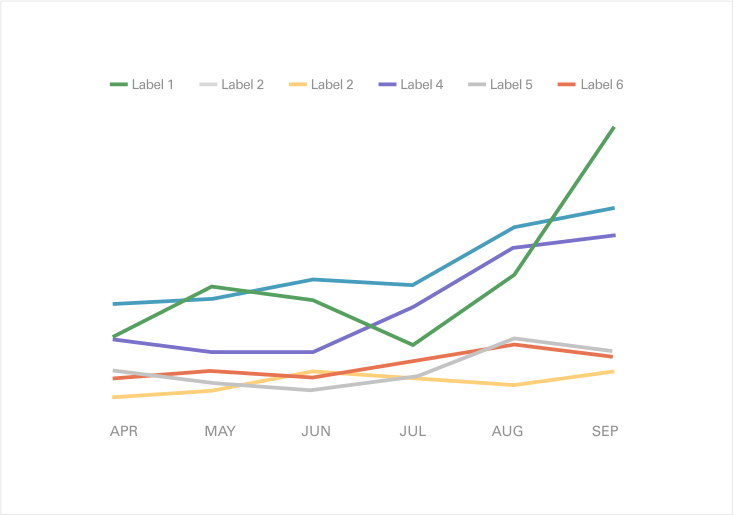
Functional graphs prioritize accuracy and facts. These are what you’d see on dashboards, in a presentation or an annual report.
Expressive graphs
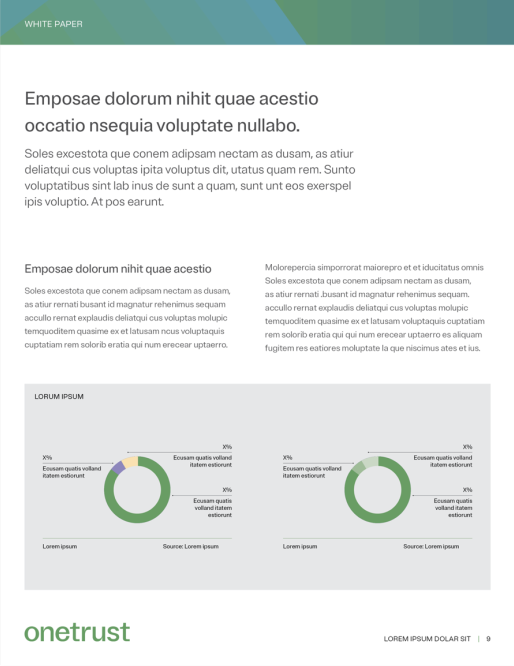
Expressive graphs are about conveying an idea, playing with shape and form much like a graphic element would. These work best with broad headlines and concepts, such as growth or change.

Color use
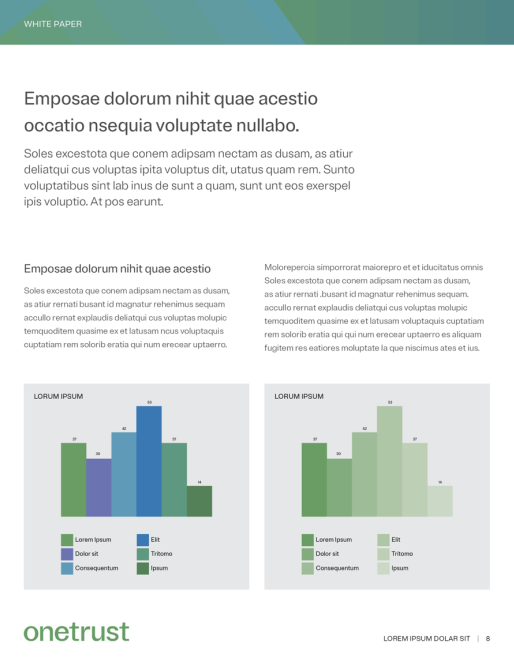
Our broad color palette helps to clearly delineate information, and step gradients convey density and growth.




Quick links
Know what you need? Here are some quick links to our most frequently needed assets.