
Graphic elements

Spotlight gradient

Step gradient
Gradients
When paired with the right copy, the cadence and position of our gradients can impart meaning. For access to the gradient files, contact brand@onetrust.com.

Gradual change

Working in unity

Growth, Perspective

Comparison, Perspective
A set of pre-designed step gradients are available for download. They can be flipped from horizontal to vertical and masks may be extended to accommodate various formats.
Best practice tip: When printing gradients, run a print test to ensure smooth gradients.
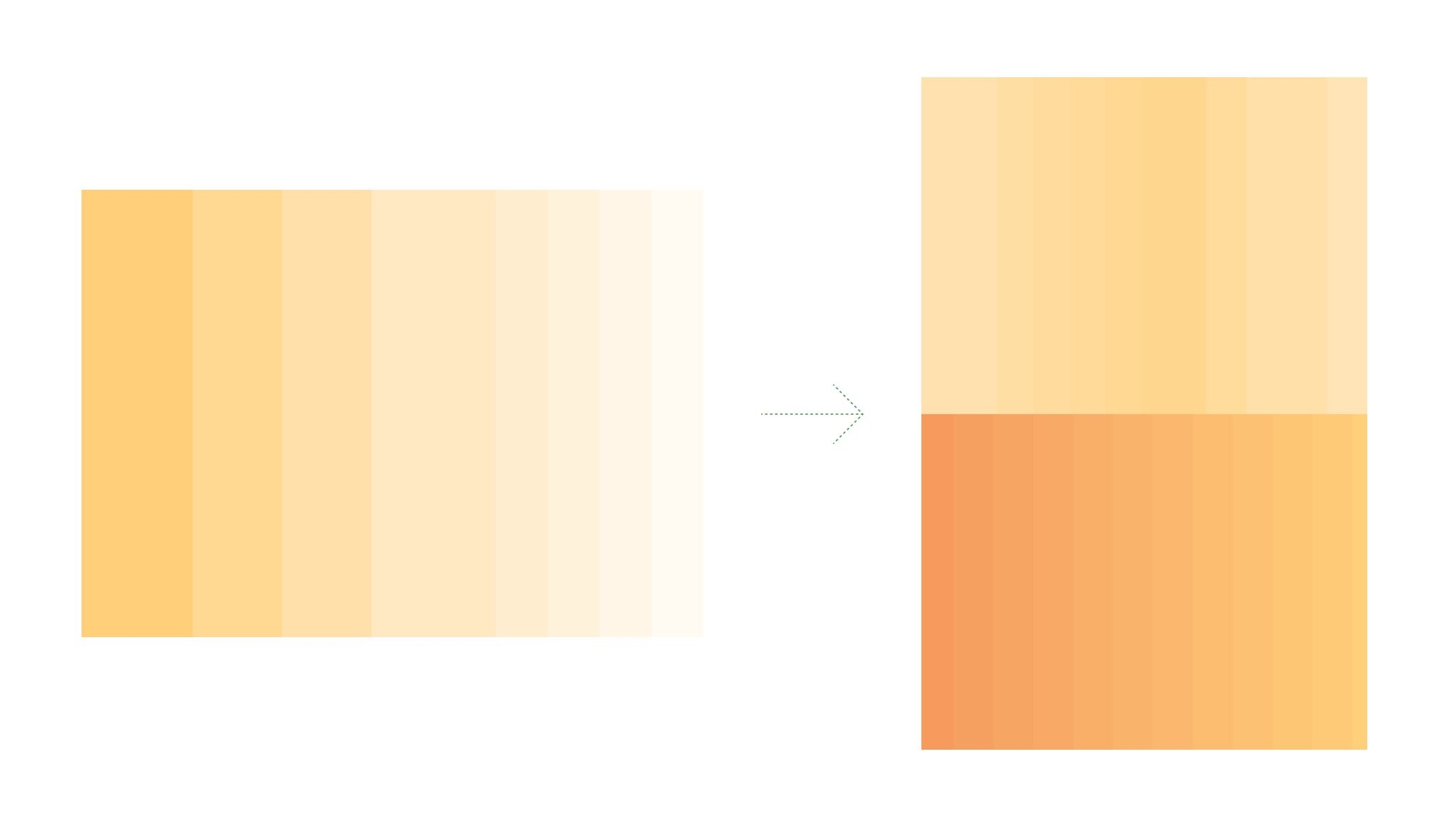
Combine and flip 90°

Adjust scale and mask for new format
Gradient use
Step gradients can add a subtle accent as a sidebar or scale up to create an eye-catching background.

Accented with color in a text-heavy space
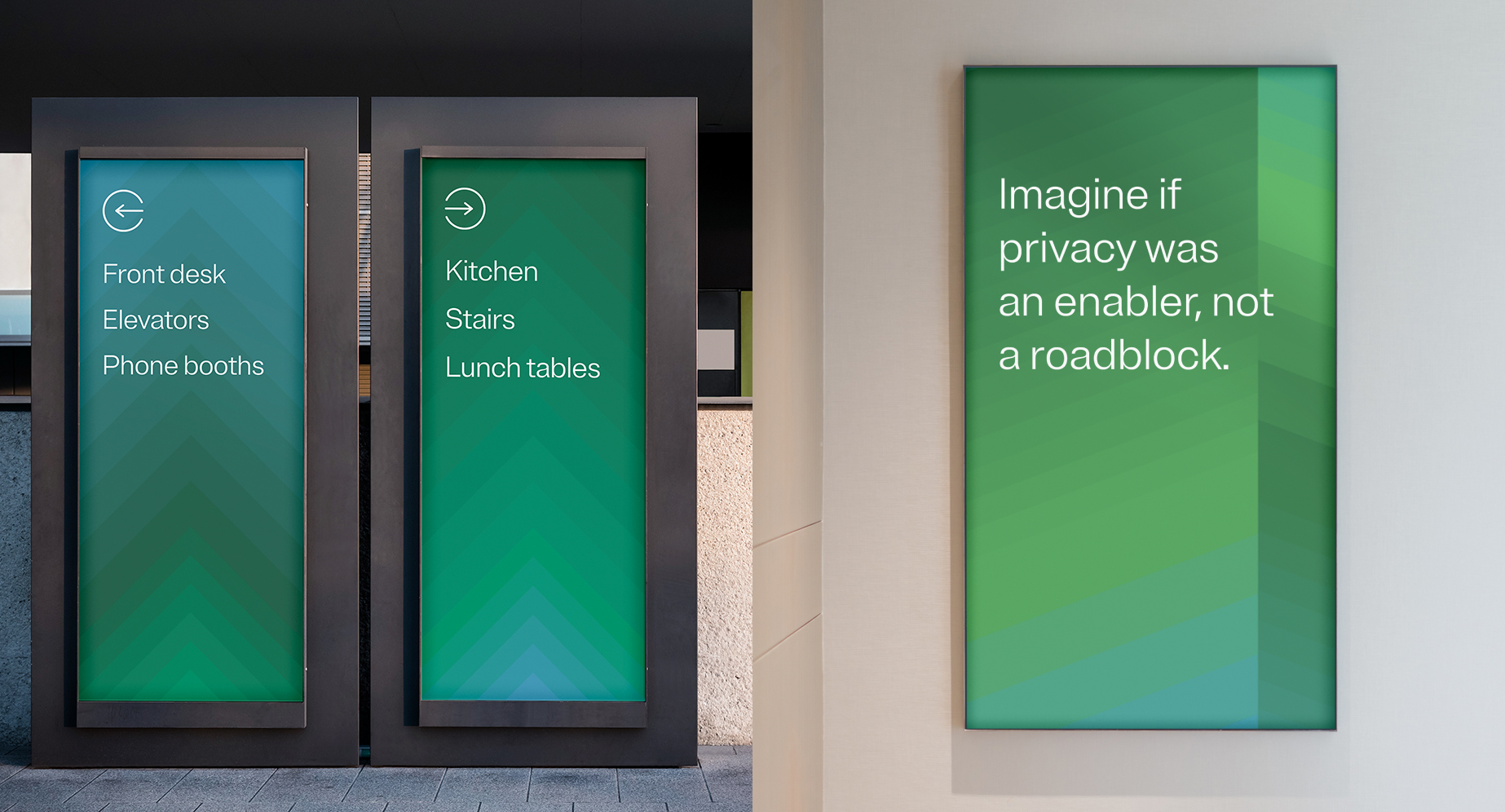
Bold branding within our events and office spaces
Primary step gradients
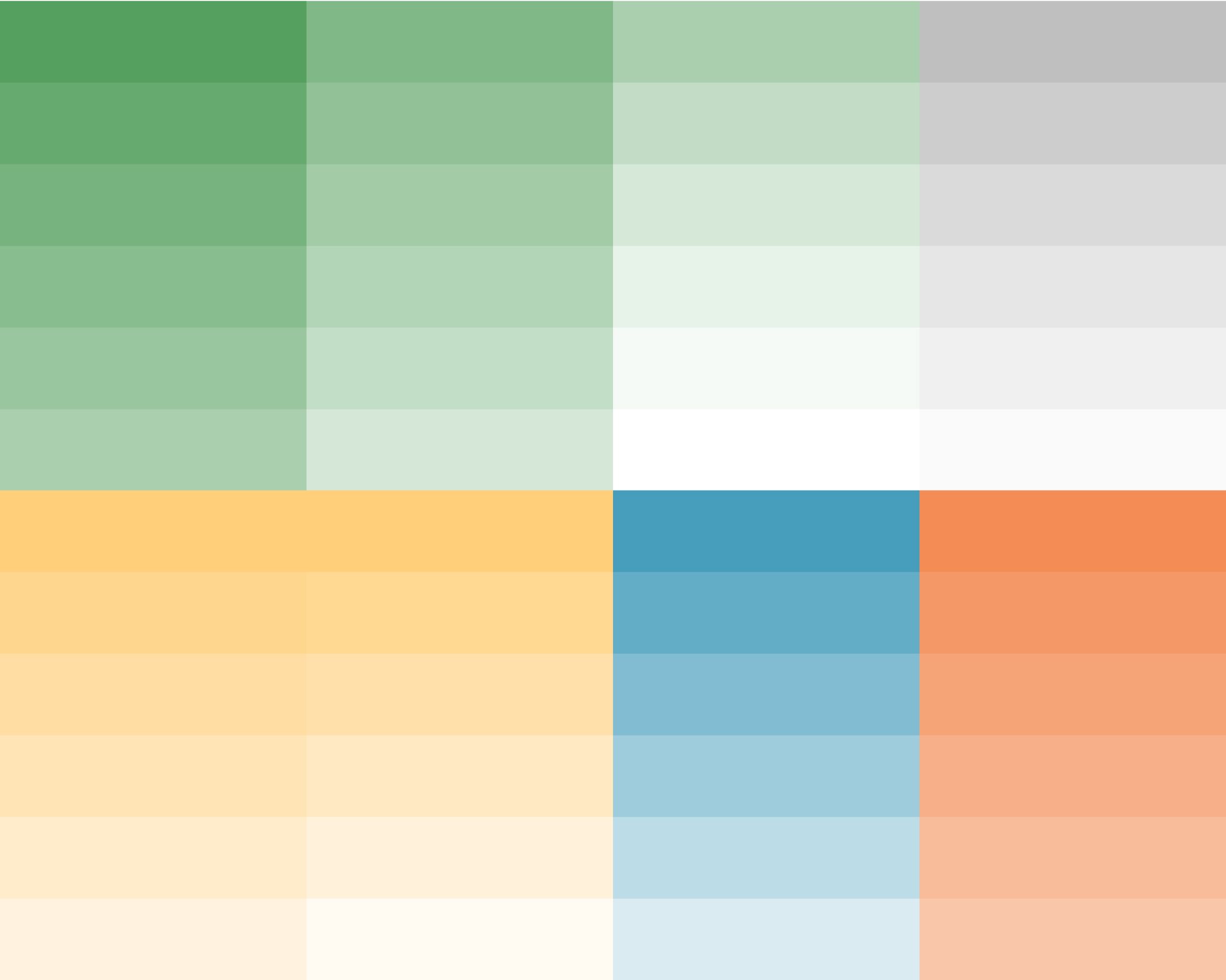
Green-led palettes should be used most often when creating gradients and graphic elements. For access to the gradient files, contact brand@onetrust.com.
01. Light greens

02. Dark greens

Secondary step gradients
Secondary gradient tints are useful for situations that are not key representations of the brand. For these, think posters and product modules, not billboards and landing pages. For access to the gradient files, contact brand@onetrust.com.
Some colors blend well with neutrals and the tints in their extended palettes. Stick to these shades, avoiding anything too harsh e.g., dark purple to white.
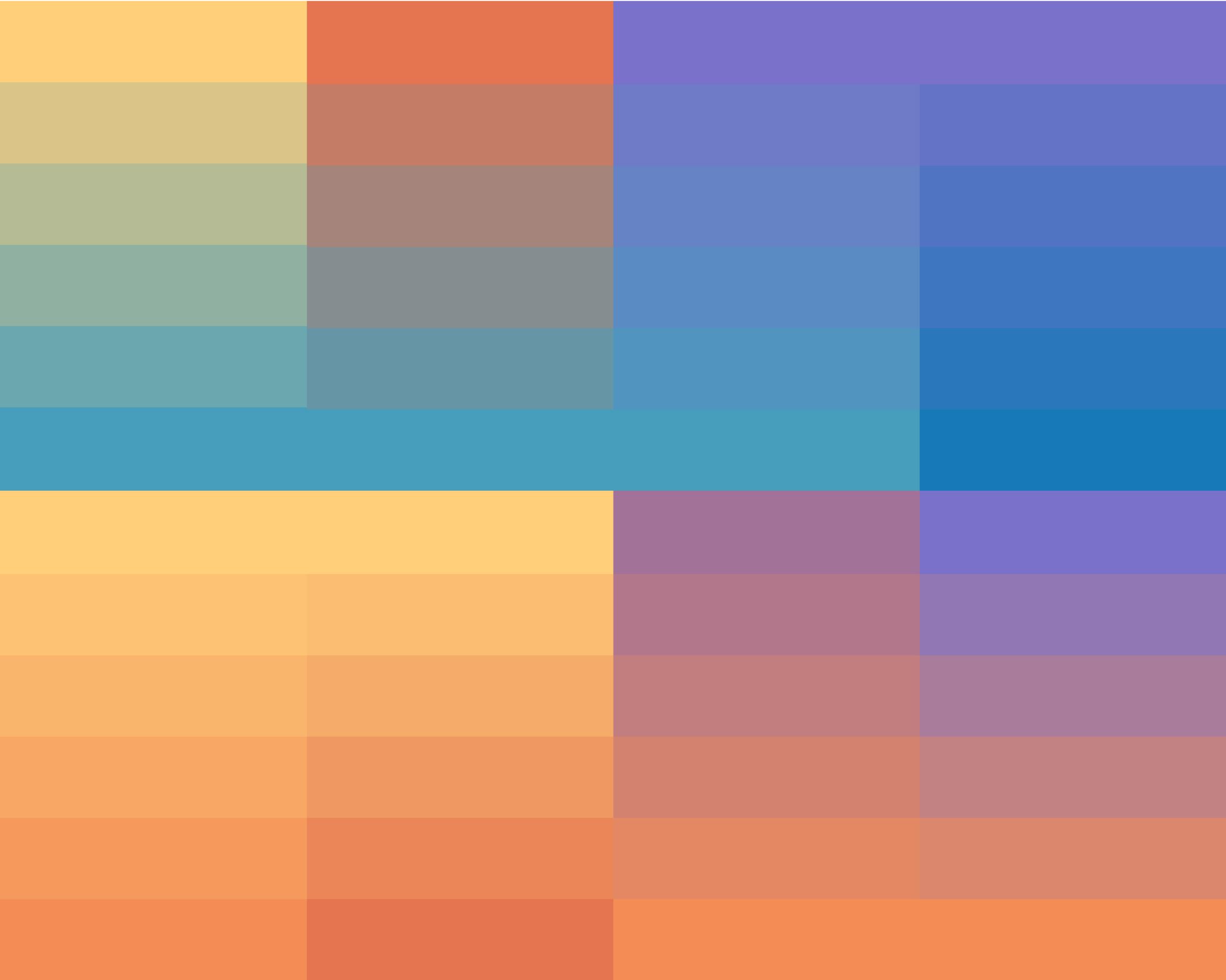
Secondary step gradient tints
Secondary gradient tints are useful for situations that are not key representations of the brand. For these, think posters and product modules, not billboards and landing pages. For access to the gradient files, contact brand@onetrust.com.
Some colors blend well with neutrals and the tints in their extended palettes. Stick to these shades, avoiding anything too harsh e.g., dark purple to white.
Spotlight gradients
Spotlights, which are masked shapes using our step gradients, add another layer of conceptual potential. These are just some of the ways we can use shape to tell stories. For access to the gradient files, contact brand@onetrust.com.

Clarity

Collaboration

Growth

Impact
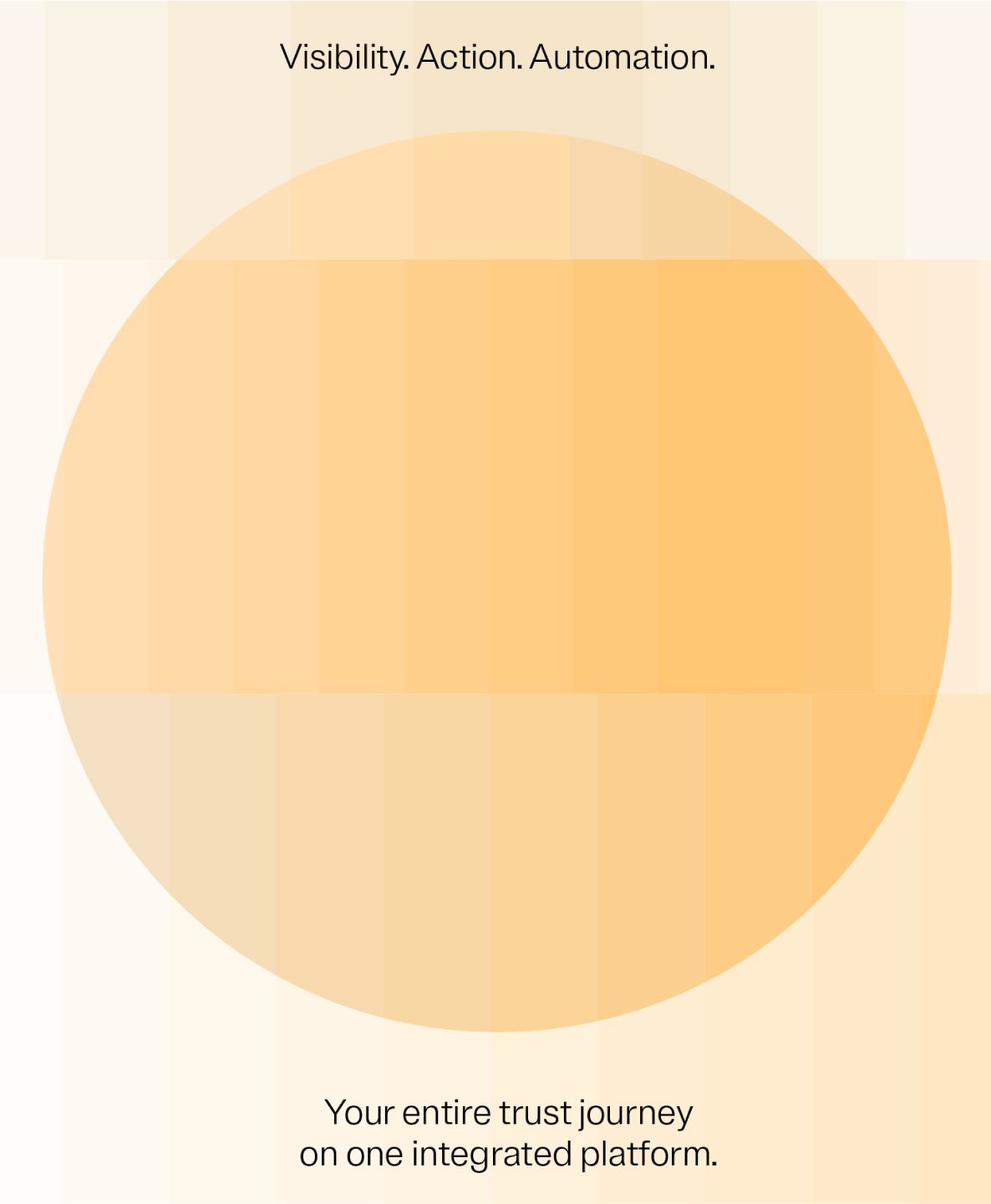
Spotlight gradient with messaging
Quick links
Know what you need? Here are some quick links to our most frequently needed assets.