On-demand webinar coming soon...

On-demand webinar coming soon...

On-demand webinar coming soon...

Iconography

Our brand icons are functional, serving to aid in navigation and wayfinding in our digital and print communications. Icons always support content-relevant messaging.

Brand icons

Our brand icons include light and dark mode versions to ensure maximum legibility.
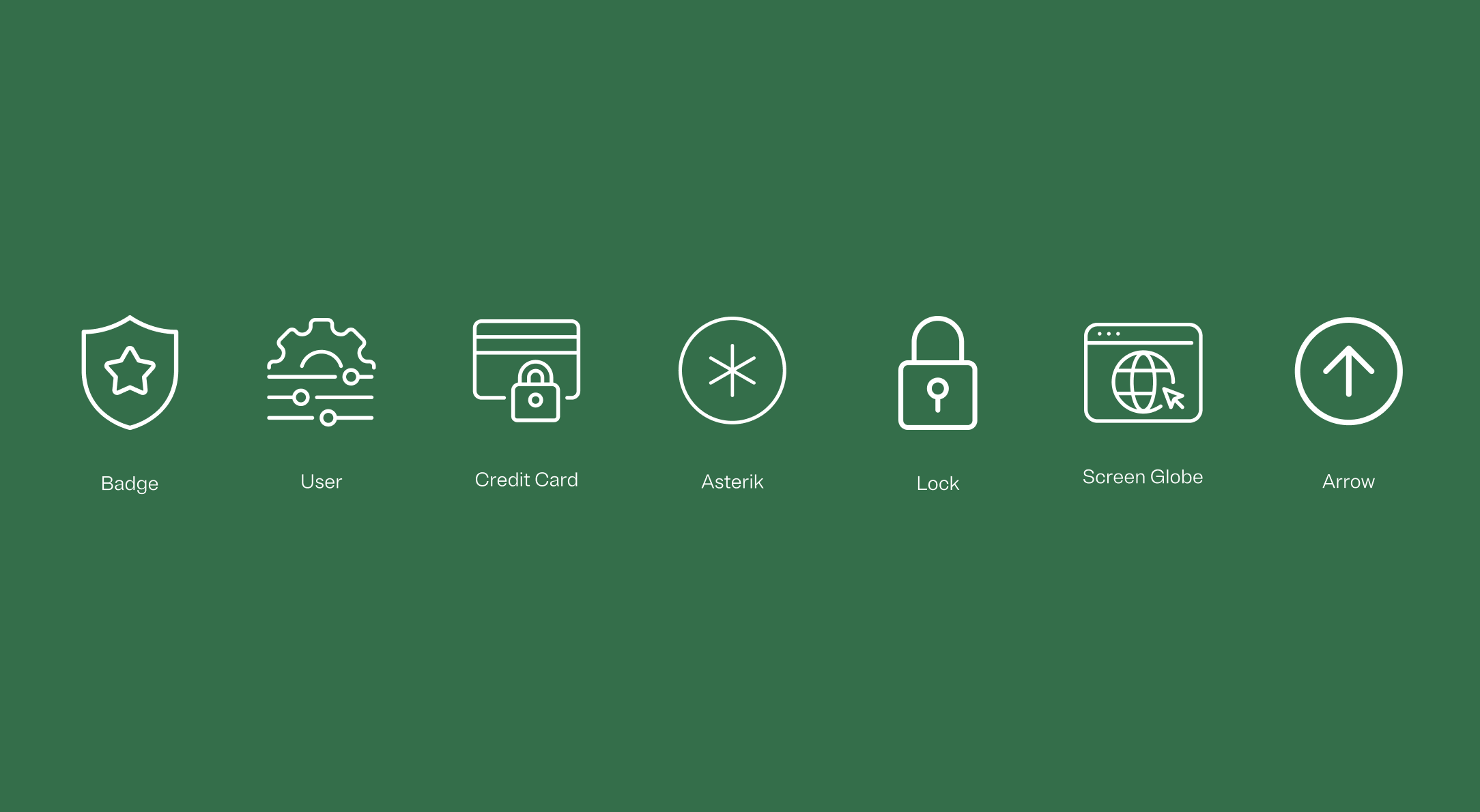
Brand icons that are part of the OneTrust family

Contrast

When using icons over background colors, make sure that there is sufficient contrast legibility. For more details, refer to webaim.org.


Green circle with a checkmark icon inside
Icon of different sizes in a row
Red circle with a X icon inside
Examples of bad uses of contrast, where similar colors make it hard to see the icons

Icon use

Icons are used purposefully to communicate various topics. They always support content-relevant messaging within web, presentations and collateral. Avoid using too many icons in one space.
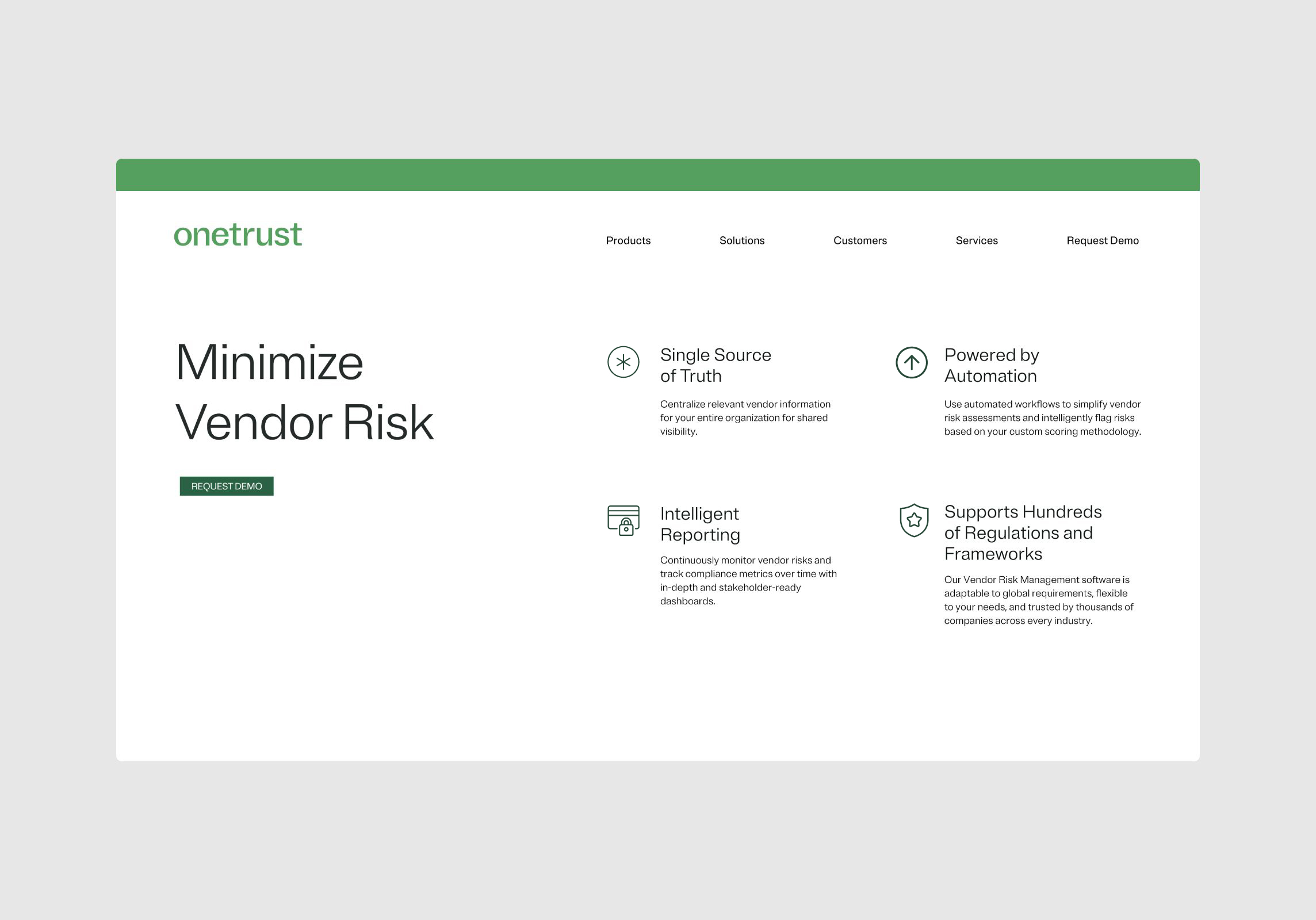

Example of icon usage on a OneTrust company webpage.
Photo of a display that uses a OneTrust icon with proper typography and gradients.

Minimum size

The minimum width is 30px for digital and 35mm for print applications.

Size: Minimum width 30 px (digital) 35 mm (print)

96px

Example of an icon thats 96px wide

72px

Example of an icon that is 72px wide

60px

Example of an icon thats 60px wide

48px

Example of an icon thats 48px wide

36px

Examples of an icon that is 36px wide

30px

Example of an icon thats 30px wide

Watchouts

Some scenarios to avoid when using icons.

Red circle with a X icon inside
icon using 2 different line weights indicating something not to do

Do not use varied line weights

Red circle with a X icon inside
Badge icon enclosed in a circle

Do not use containing shapes

Red circle with a X icon inside
Badge icon with a star at its center

Do not use more than one color in icons

Red circle with a X icon inside
Icon of a police badge with a star at its center.

Do not change icon colors

Red circle with a X icon inside
Icon of a lightbulb with a machine cog and a computer circuit within its glass casing.

Do not use icons that don’t family with our system

Red circle with a X icon inside
The OneTrust logo with the word "Platform" right below it.

Don't create logo lock-ups

Red circle with a X icon inside
A light green badge icon on a dark green background illustrating how bad contrast can make objects illegible.

Don't use icons on background colors that are not legible